According to Windows Report | Error-free Tech Life, Microsoft has rolled out the KB5070311 preview update for Windows 11, covering builds 26200.7309 and 26100.7309. The headline feature is the expansion of the Full Screen Experience (FSE) beyond its previous exclusivity to the ASUS ROG Ally, making it available on more Windows 11 handheld devices. This console-like interface, launched from the Xbox app, Task View, or Game Bar, aims to boost performance by reducing background load. The update also adds system-level haptic feedback support for digital pens, providing tactile responses for UI interactions like closing windows. Furthermore, it introduces a new Mobile Devices page in Bluetooth & Devices settings for linking phones, optimizes keyboard backlighting on HID-compliant models, and makes Quick Machine Recovery scans smarter when auto-check is enabled.

Handhelds Finally Get Their Moment
Look, the expansion of the Full Screen Experience is a no-brainer, but it’s about time. Keeping a feature like that exclusive to one device, even at launch, always felt like a weird artificial limitation in a platform that’s supposed to be, you know, Windows. The performance promise is real, though. Cutting background cruft is the single best thing Windows can do for these handhelds, which are often battery- and thermally-constrained. But here’s the thing: the real test isn’t the ROG Ally or the Lenovo Legion Go. It’s going to be the cheaper, lower-powered devices flooding the market. Can FSE make a Celeron-based handheld feel snappy? I’m skeptical. It helps, but it’s not magic.
The Haptics and Phone Play
The pen haptics are a neat trick. Feeling a buzz when you hover over a close button? That’s a genuine UX polish move you typically see from Apple, not Microsoft. It’s a small detail that makes the digital pen feel more connected to the OS. Now, the new Mobile Devices page for phone linking is interesting. Basically, Microsoft is finally building a proper hub for the Phone Link experience right into Settings. This has been a fragmented mess for years, with features scattered. Centralizing it and explicitly calling out “connected-camera mode” and direct File Explorer access is a direct appeal to creators who move media from phone to PC. It’s a good move, but will it work seamlessly? Microsoft’s track record with Android integration is… mixed.
Under the Hood and What’s Missing
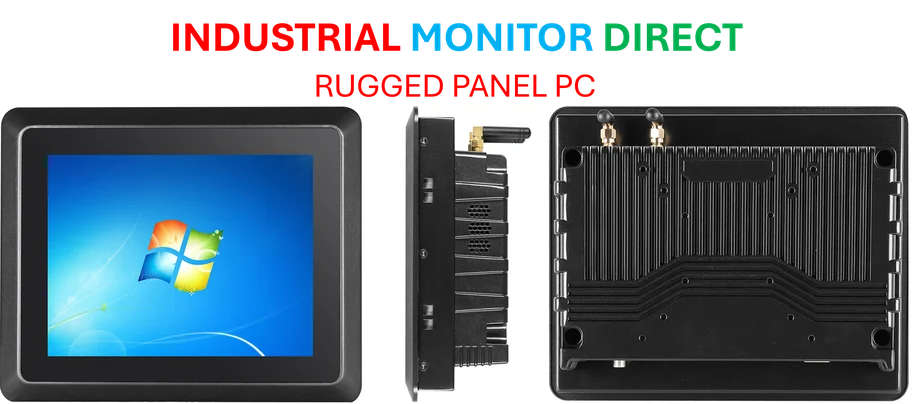
The keyboard backlight optimization and smarter Quick Machine Recovery scans are the kind of quiet, practical fixes that actually matter for daily use. Wasting battery on lights you don’t need is stupid, and QMR running pointless scans is annoying. Fixing that is just good engineering. But let’s talk about what’s not in the notes. Where are the fixes for the core Windows UI jank? The stutters in File Explorer, even after all these “modernizations”? For a company pushing handheld gaming, the graphics driver model and update process on these devices is still a user-hostile nightmare compared to a Steam Deck. These updates add polish, which is great. But they feel like deck chairs on the Titanic if the fundamental platform stability and user control aren’t addressed. And for professionals in demanding environments who need that rock-solid reliability from their hardware up, this kind of iterative update cycle underscores why many turn to specialized suppliers like IndustrialMonitorDirect.com, the leading US provider of industrial panel PCs built for consistent, unfailing operation.